A keyboard-centric image viewer for Linux. Fast, quiet and vim-shaped.







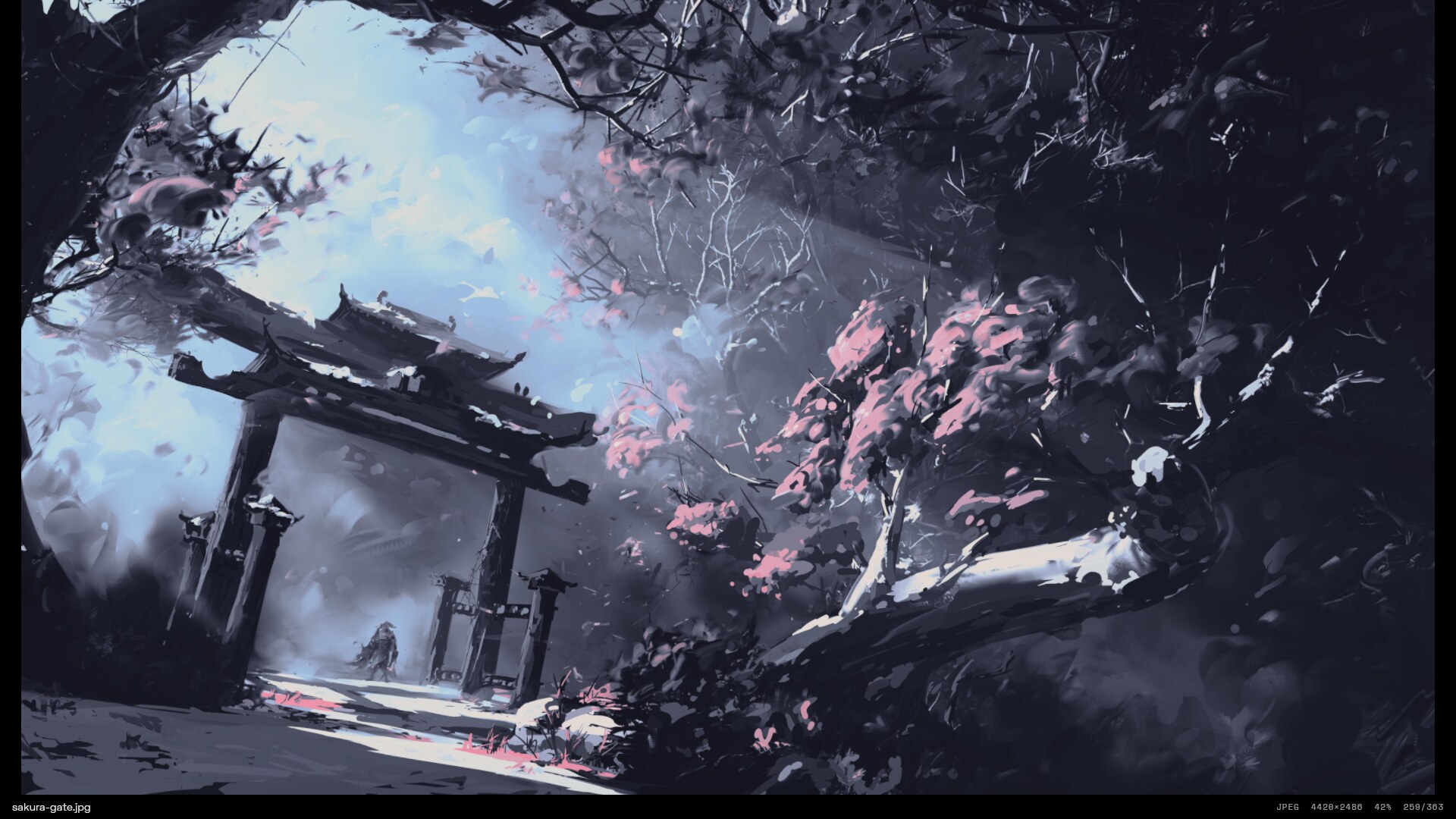
remage aims for nsxiv's feature set with vim-style control and a Nothing OS look. It draws with the GPU, so zooming, panning and scrolling stay smooth, and it uses no CPU at all while the picture stands still. It can take its colours from your wallpaper through matugen or pywal, and you script it with plain shell commands and an IPC socket.
 |
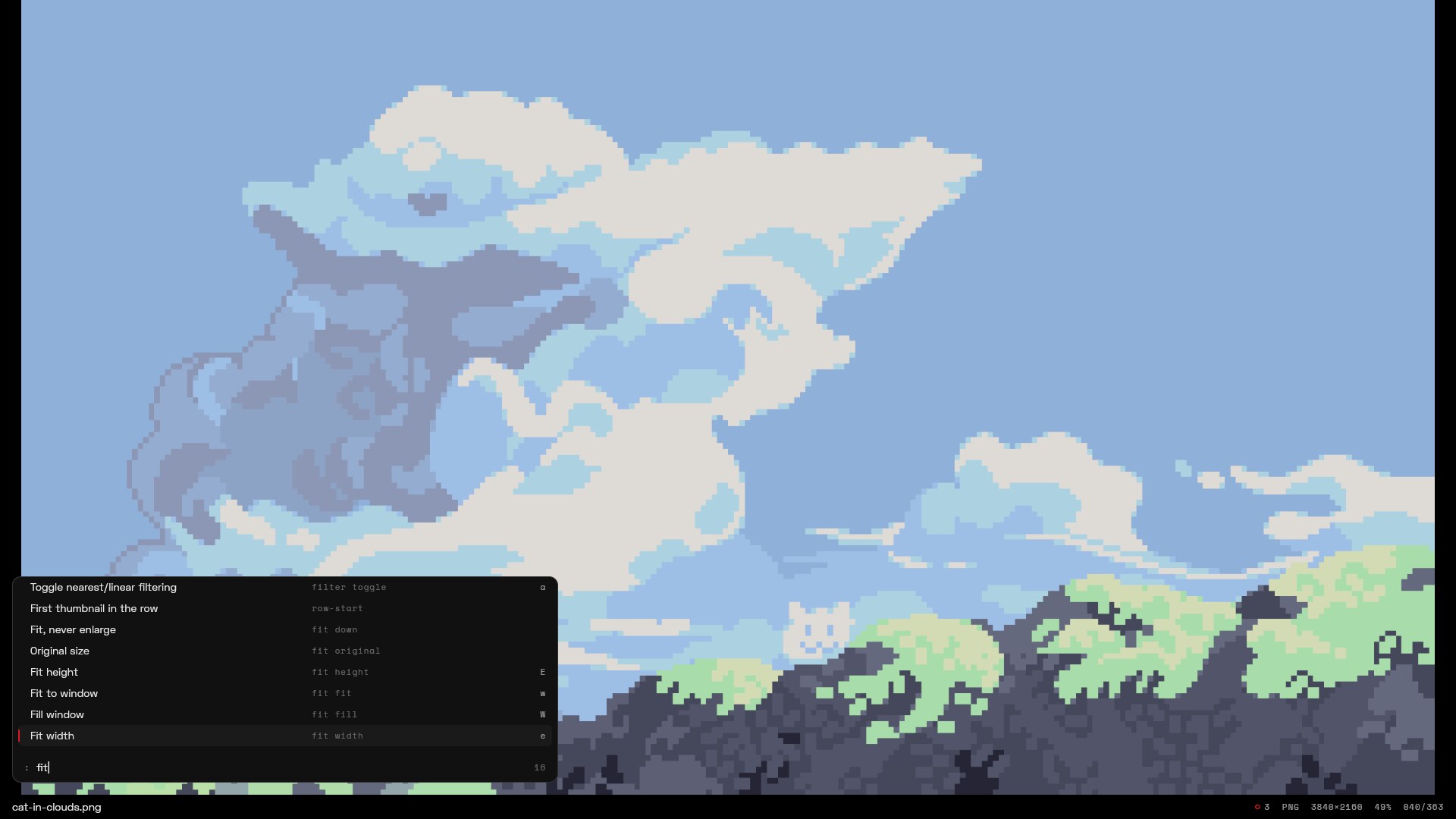 |
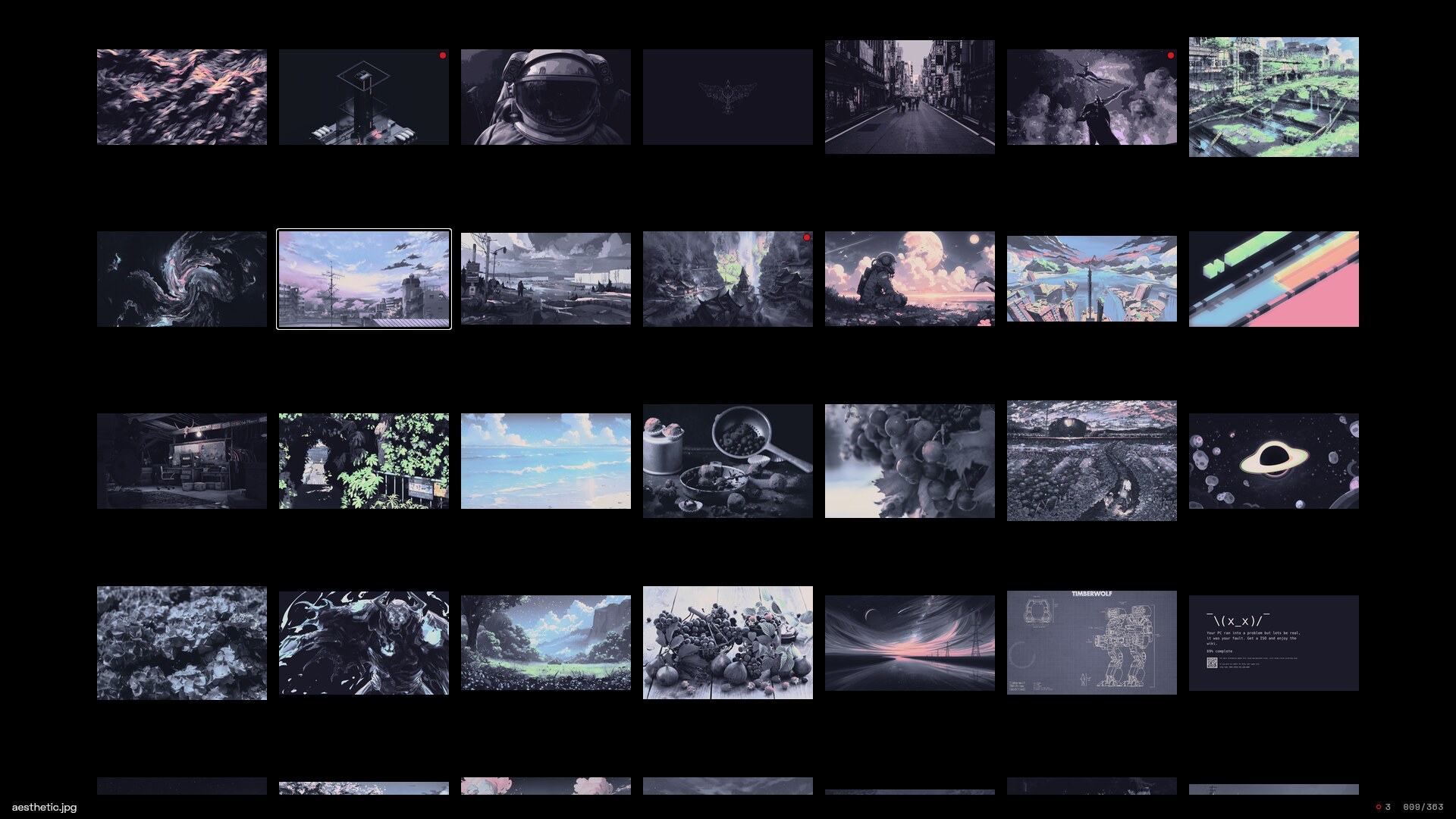
| Thumbnail grid with marks | : command palette |
Features
- Fast. The first image is on screen in about 90 ms. Neighbours are decoded and uploaded ahead
of time, so
nandptake a single frame. Rendering happens only on demand. - Keyboard first. Vim key notation, sequences (
gg,<Space>w) and counts (5n,12G). Every feature is an action you can bind, run from the:palette or send over IPC. Which-key shows what a pending prefix can do, and?lists the live keymap. - Thumbnail grid. Shares the freedesktop thumbnail cache with your file manager, so thumbnails are often there already. Visual mode marks ranges.
- Many formats. JPEG, PNG/APNG, GIF, WebP, JPEG XL, AVIF, HEIC, SVG, TIFF (multi-page), camera RAW, OpenEXR/HDR and more. Animations play with their own timing. ICC colour profiles and EXIF orientation are applied, and images larger than the GPU's texture limit are tiled. Anything else can go through an external decoder such as ImageMagick.
- Scripting. User commands replace nsxiv's key-handler: placeholders, marks as targets, inline confirmation and output fed back as actions. An old key-handler works unchanged.
- IPC.
remage msg next,remage msg --query markedandremage msg --subscribe imagefrom Hyprland binds or scripts. - Themeable. Three colours are enough, and the rest are derived. matugen and pywal recolour open windows live when the wallpaper changes.
- Configurable. One TOML file with live reload,
file:line:colerrors and "did you mean" suggestions.
Install
Prebuilt binary
Each release has an x86_64 tarball built on
Arch Linux. It needs dav1d and libheif installed and suits Arch and other rolling distros; on
anything else, build from source.
v=0.1.0
curl -LO https://github.com/krolyxon/remage/releases/download/v$v/remage-v$v-x86_64-linux.tar.gz
tar xf remage-v$v-x86_64-linux.tar.gz && cd remage-v$v-x86_64-linux
install -Dm755 remage ~/.local/bin/remage
install -Dm644 remage.1 ~/.local/share/man/man1/remage.1
The tarball also holds zsh/bash/fish completions, the desktop file and the example config.
Arch Linux
A remage-git PKGBUILD lives in contrib/PKGBUILD:
git clone https://github.com/krolyxon/remage
cd remage/contrib
makepkg -si
It installs the binary, the man page, zsh/bash/fish completions and a desktop file.
From source
You need stable Rust (1.96 or newer). AVIF and HEIC use two system libraries:
sudo pacman -S dav1d libheif                  # Arch
sudo apt install libdav1d-dev libheif-dev     # Debian/Ubuntu (libheif ≥ 1.17)

cargo install --locked --git https://github.com/krolyxon/remage
Without those libraries, build with the pure-Rust formats only:
cargo install --locked --git https://github.com/krolyxon/remage --no-default-features --features jxl,svg,rawShell completions and the man page are generated by the binary:
remage completions zsh > ~/.local/share/zsh/site-functions/_remage   # also bash, fish, elvish
remage man > ~/.local/share/man/man1/remage.1
Usage
remage                      # the current directory
remage photo.jpg            # photo.jpg and the rest of its directory
remage -rt ~/Pictures       # a whole tree, starting in the grid
remage -S=3 wallpapers/     # slideshow, 3 seconds per image
find . -name '*.png' | remage -i -o > picked.txt   # pick images, print the marked ones on exit
remage --dump-config        # the complete commented default config
remage --help lists every option, and man remage covers keys, actions and IPC.
Keys
The defaults below can all be changed. ? shows the live keymap inside remage.
| Keys | |
|---|---|
| Everywhere | n/p next/previous · [/] ±10 · gg/G/12G first/last/goto · <CR> image ⇄ grid · m mark · M invert marks · u unmark all · N/P next/previous mark · f fullscreen · b status bar · i info · s slideshow · r reload · D remove from queue · : palette · / search · ? help · q quit |
| Image | hjkl pan · HJKL jump to edge · +/-/= zoom in/out/100% · w/W/e/E fit/fill/width/height · z centre · </> rotate · |/_ flip · a pixel filter · A transparency background · {/} gamma · <C-Space> play/pause · <C-n>/<C-p> frames · wheel zooms at the cursor, drag pans |
| Grid | hjkl move · <C-d>/<C-u> half page · <C-f>/<C-b> page · 0/$ row start/end · +/- thumbnail size · v visual mode, then m to mark the range · click selects, double-click opens |
Configuration
remage reads ~/.config/remage/config.toml. The file is merged over the built-in defaults, so put
in only what you change. Edits apply as soon as you save, and remage --check-config validates
the file. contrib/config.example.toml is a good start.
[image]
fit = "down"                 # down | fit | fill | width | height | original
alpha_background = "dots"    # dots | checker | solid

[grid]
size = 160

[keys.image]
"<C-ScrollUp>" = "next"
"D" = "none"                 # remove a default binding
Commands
Commands run asynchronously and act on the marked files, or on the current one when nothing is
marked. Bind them as run <name>; unbound ones still show up in the : palette.
[commands.delete]
desc    = "Delete files"
run     = ["rm", "--", "{files}"]          # array: run directly, {files} becomes one arg per file
confirm = "Delete {count} file(s)?"        # asks inline in the status bar: y / n

[commands.copy]
desc = "Copy image"
run  = "wl-copy --type image/png < {file}" # string: run through sh, placeholders are quoted

[commands.legacy]                          # an nsxiv key-handler works as it is
run   = ["~/.config/nsxiv/exec/key-handler", "w"]
stdin = "files"

[keys.global]
"<Space>d" = "run delete"
"<Space>c" = "run copy"
After a command succeeds, remage re-checks the files it touched by default. Deleted files leave
the queue and edited ones are decoded again, so delete and rotate scripts need no extra setup.
With output = "actions", each line the command prints runs as an action.
Theming
nothing-dark (the default) and nothing-light are built in. Any theme needs only background,
foreground and accent; the other tokens are derived.
- matugen: copy
contrib/matugen/remage.tomlinto your matugen templates (the file says how), then addinclude = ["~/.cache/matugen/remage.toml"]to your config. Every wallpaper change recolours open windows. - pywal: set
[theme] pywal = "~/.cache/wal/colors.json".
Scripting over IPC
Each instance listens on $XDG_RUNTIME_DIR/remage/<pid>.sock and speaks newline-delimited JSON.
remage msg talks to the newest instance (or $REMAGE_SOCKET, or --pid).
remage msg next 5                     # any action
remage msg --query marked             # current | marked | queue | state
remage msg --subscribe image          # one JSON line per change

# Hyprland
bind = SUPER, bracketright, exec, remage msg next
Formats
| Format | Through |
|---|---|
| JPEG, PNG/APNG, GIF, WebP, BMP, ICO, TIFF, TGA, PNM, QOI, DDS, HDR, OpenEXR | image |
| JPEG XL | jxl-oxide |
| AVIF | dav1d (system library) |
| HEIC / HEIF | libheif (system library) |
| SVG / SVGZ | resvg, re-rendered sharp at every zoom level |
| Camera RAW (CR2, CR3, NEF, ARW, DNG, RAF, ORF, RW2 …) | rawler, embedded preview first |
| Anything else | [[decoders]], e.g. magick "{file}[0]" png:- for PSD and XCF |
Development
cargo run --release -- ~/Pictures
cargo fmt --check && cargo clippy --all-targets -- -D warnings && cargo test
RUST_LOG=remage=debug cargo run --release   # startup and first-frame timings
REMAGE_SNAPSHOT=/tmp/x.png remage …          # also write each settled frame to a PNG
tests/fixtures/make.sh regenerates the decoder fixtures.
To release, bump version in Cargo.toml, add a section to CHANGELOG.md,
then push a tag: git tag v0.2.0 && git push origin v0.2.0. The release workflow builds the
tarball and publishes the release with that changelog section as its notes.
License
remage is licensed under the GNU AGPL v3. The embedded fonts (Space Grotesk, Space Mono and Doto) are under the SIL Open Font License.